- Type
- Media player
- Status
- Coming soon
DriveIn
DriveIn turns your car's CarPlay screen into a cinema for when you're parked. Play your playlists, your Plex, Jellyfin or Emby server and your own videos, mirror any app from your iPhone, or open the web - right on the dashboard. For passengers and parked cars.

Everything you own, on the big screen
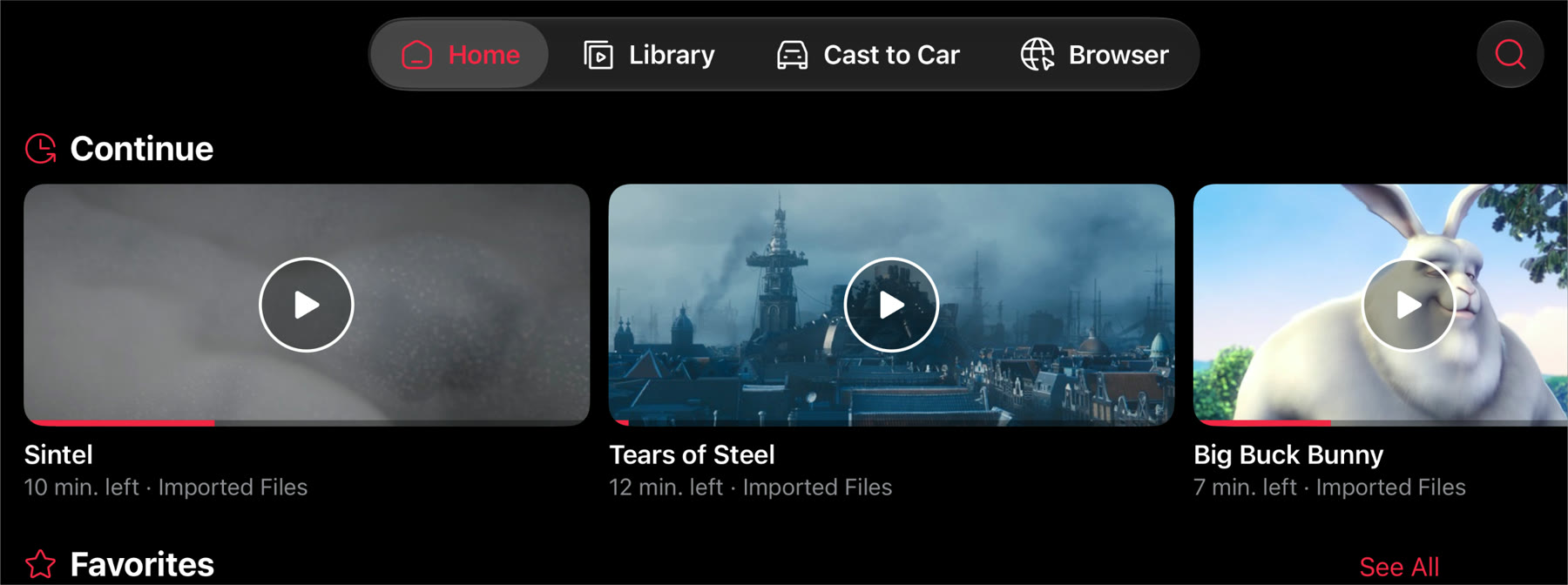
Bring your library along. DriveIn keeps your playlists, media servers, shares and your own videos together on one Home screen - in the car and on your phone. Pick up right where you left off.
- Continue where you stopped, on whichever screen you're on
- Favourites from every source in one row
- Choose the rows Home shows, and their order
Add what you already have
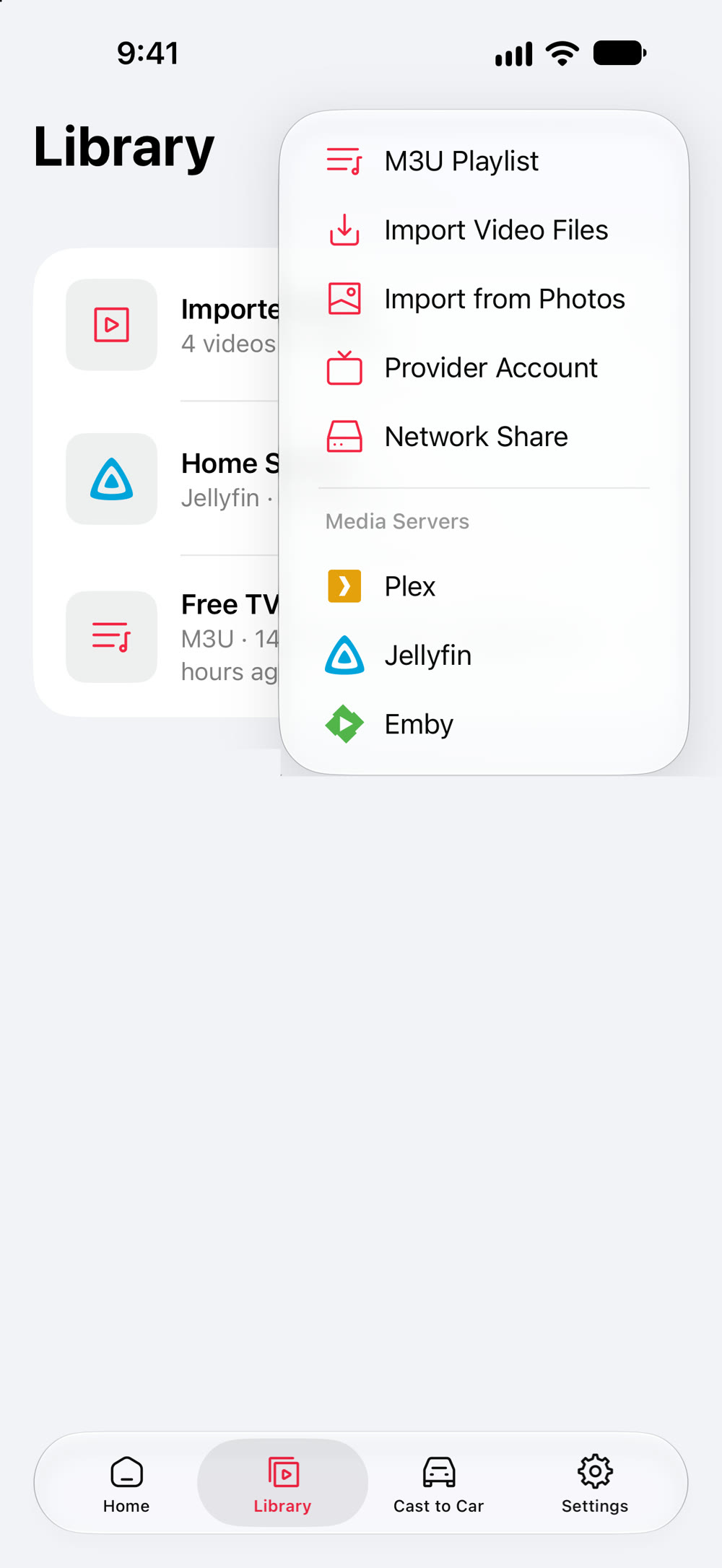
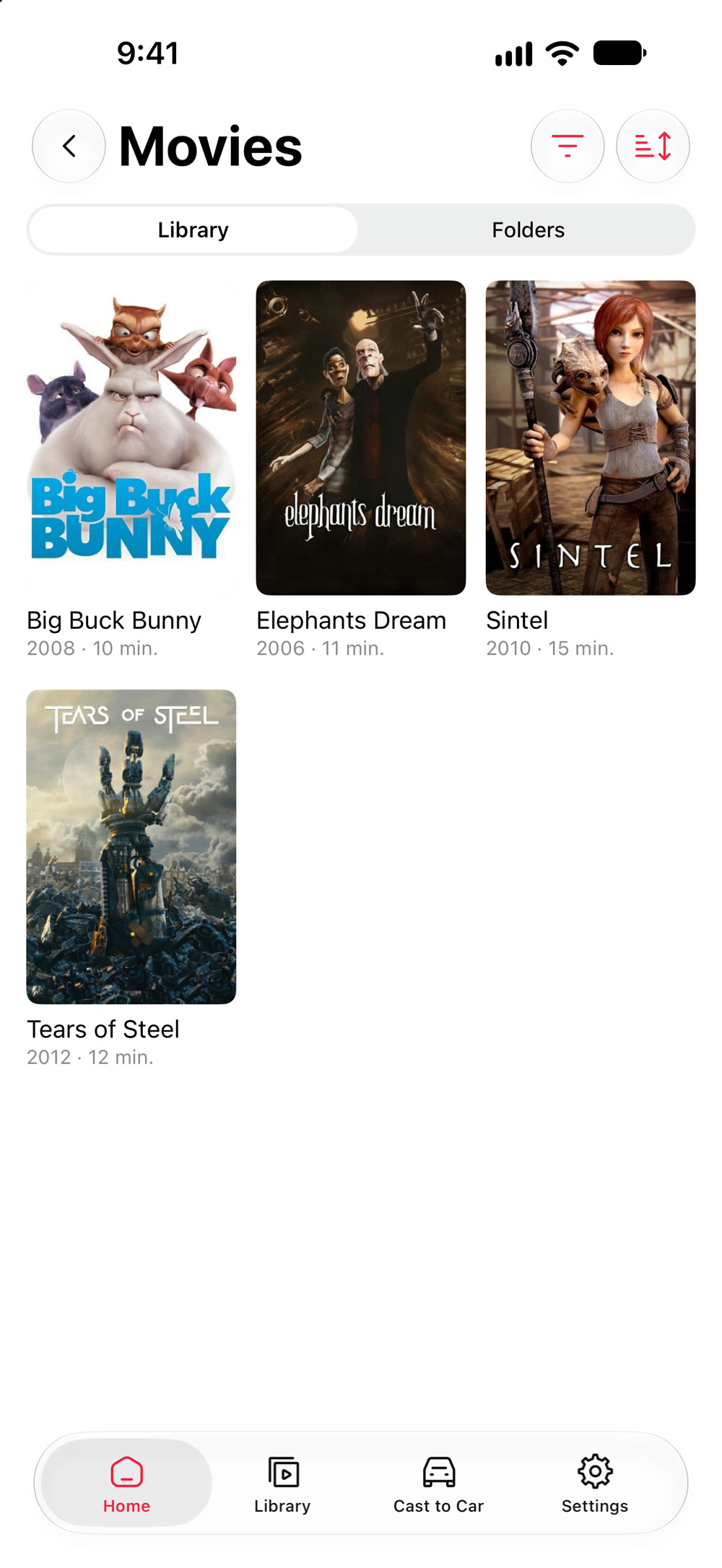
Paste a playlist link or scan its QR code. Sign in to Plex, Jellyfin or Emby and your movies arrive with their posters. Connect a network share, or import videos from Files and Photos.
- M3U playlists by link or QR code, with their groups and logos
- Plex, Jellyfin and Emby, with your progress synced back to the server
- SMB, FTP, SFTP and WebDAV shares, and DLNA servers on your network
- Your own videos from Files, Photos and AirDrop, playable offline
A player that plays it all
There's VLC under the hood, so MKV, HEVC, DTS, AVI and even DVD images play as they are. No converting first. If a car's own video player can't take a format, DriveIn re-encodes it on your iPhone as it plays.
- Embedded subtitles, subtitle files imported with a video, or a search of OpenSubtitles
- Skip intros, recaps and credits where your server or the file marks them
- Resume, shuffle, repeat and playback speed
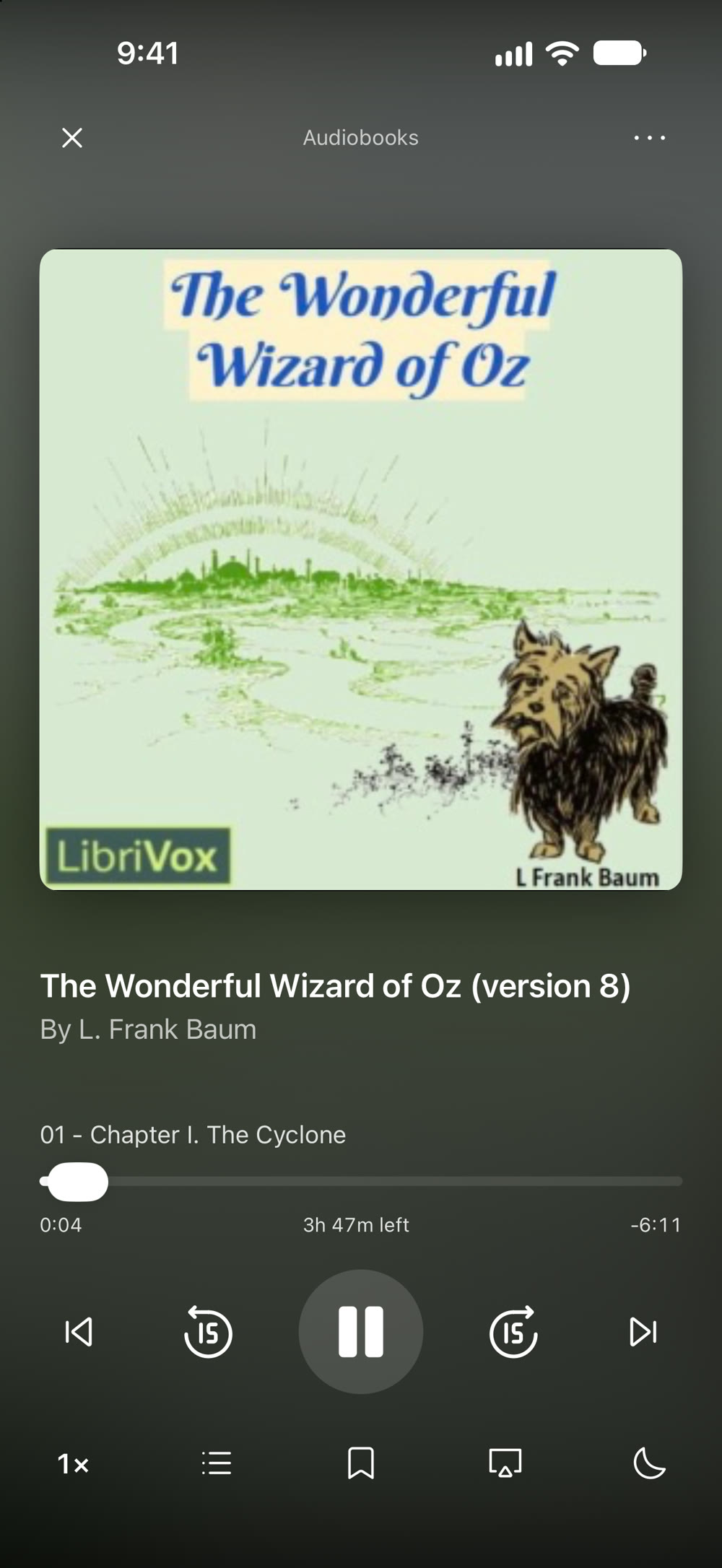
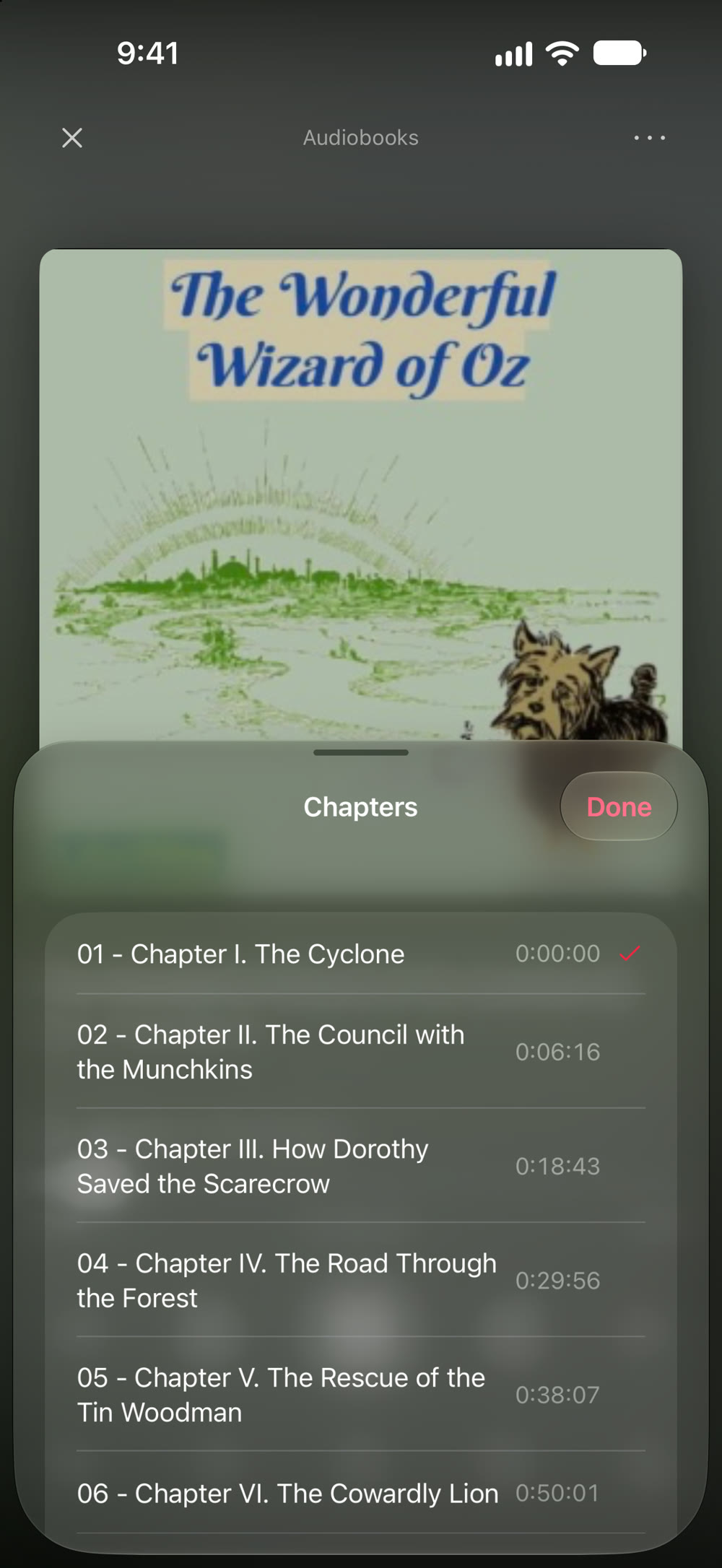
Audiobooks get a player of their own
Sound opens in a player made for listening, with the cover, the chapter you're in and the time left in the book. Jump between chapters, mark a spot, speed up the narrator or set a sleep timer for the drive home.
- Chapters, bookmarks, playback speed and a sleep timer
- Your place in every book, kept for next time
- Music too, from your server, a share or a playlist
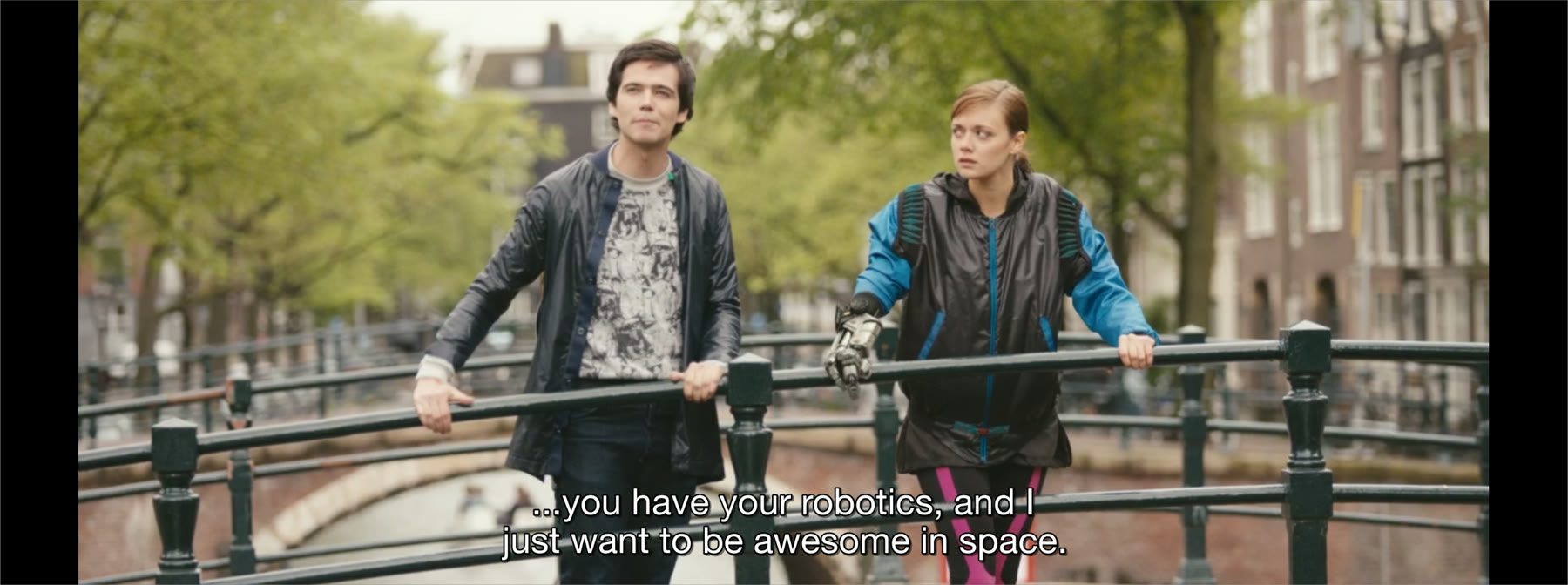
Any app, on the dashboard
Start mirroring and your whole iPhone screen appears on the car's display. Short videos, a feed, the clip a friend just sent: if it plays on your iPhone, it plays in the car. Apps with a TV cast button can send their video straight to DriveIn instead, at full quality.
- Mirroring runs over CarPlay itself, with no adapter
- A picture delay setting keeps sound and picture in step
- Apps that block screen recording, such as paid streaming services, show a black picture
Live TV that feels like TV
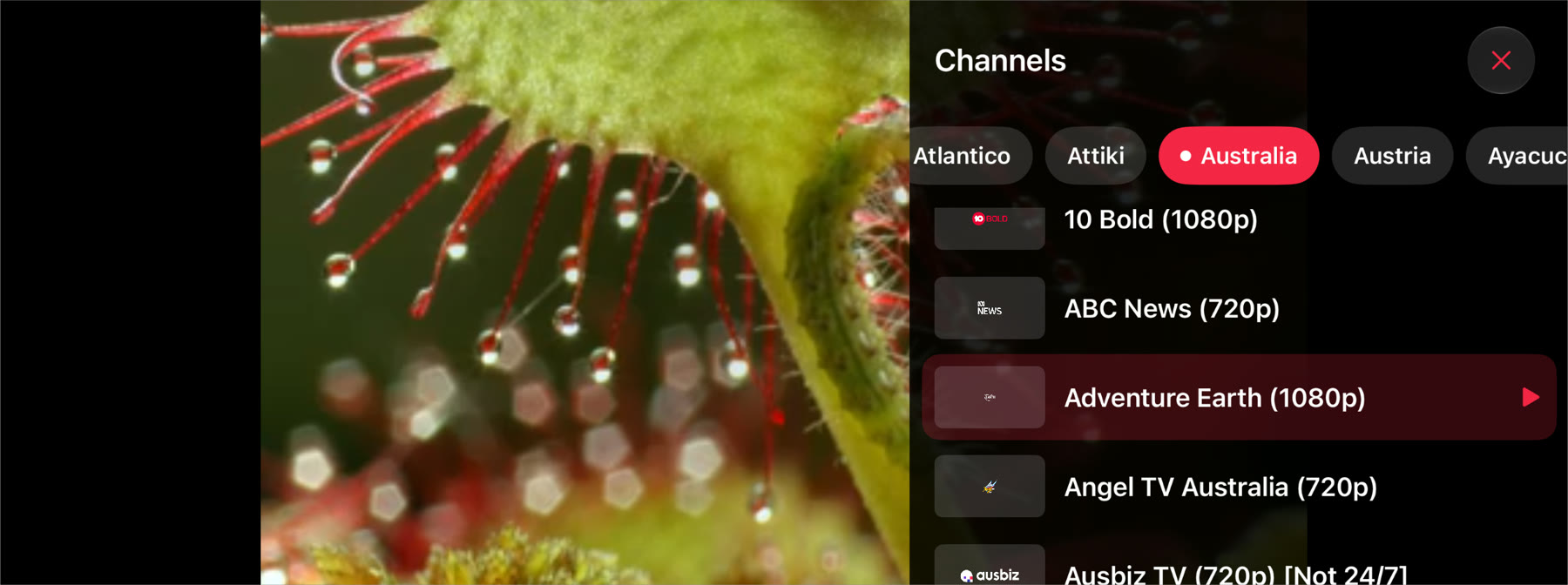
Open the channel drawer to see what else is on, then tap to switch. Or skip through channels with the steering wheel's next and previous buttons. Provider accounts bring their guide, so you know what's on now and next.
- Channel numbers, logos and groups straight from your playlist
- Show channels as tiles or a list, remembered per playlist
The web, while you wait
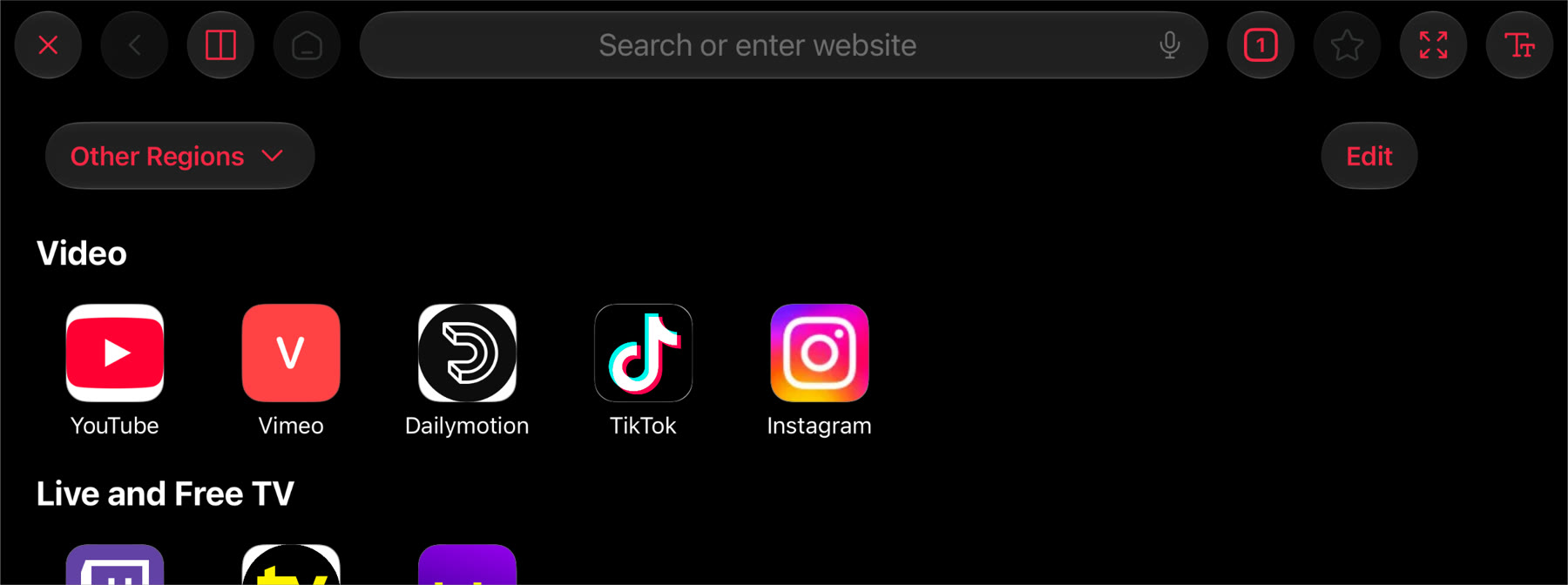
DriveIn puts a browser on the car's screen, so web video plays right there with no mirroring delay. Type on a full-size car keyboard in more than 30 languages, or just say where you want to go. When a page's video is a plain link, open it in DriveIn's player for subtitles and resume.
- Tabs, bookmarks, split view and text size
- A start page of free video sites for your region
- Parked only: the browser steps aside while the car moves
Made for the car
Big touch targets, the car's knob and steering wheel buttons, and a search that listens. DriveIn is for passengers and parked cars. When it can tell the car is moving, video moves to the iPhone and the sound keeps playing.
- Works with touch, the knob and the steering wheel's buttons
- Voice search in every search field
- A Lock Screen Live Activity shows what's on the car's screen
- Video leaves the car's screen when DriveIn can tell the car is moving
Try it on the car's screen, free
Your first 60 minutes on the car's screen are free. After that, DriveIn Pro keeps the show going. Watching on your iPhone is always free, and on iPad DriveIn is free with no limits.
- 60 free minutes on the car's screen, counted only while video shows there
- DriveIn Pro is a subscription you can cancel any time
- Adding sources and browsing are always free
The details
- Platforms
- iPhone and iPad (iOS 18 or later)
- In the car
- An iPhone on iOS 27 or later and a car with CarPlay
- Sources
- M3U playlists, Plex, Jellyfin, Emby, provider accounts, SMB, FTP, SFTP, WebDAV, DLNA and your own files
- Formats
- MKV, MP4, MOV, AVI, TS, WebM, HLS, DVD images and folders; H.264, HEVC, MPEG-2, VC-1, VP9 and more
- Subtitles
- SRT, ASS, WebVTT and PGS, plus OpenSubtitles search
- Casting
- Screen mirroring from any app, and a DLNA receiver for apps with a cast button
- Price
- Free to download, with 60 free minutes on the car's screen, then DriveIn Pro
- iPad
- Free with no limits (CarPlay needs an iPhone)
- Privacy
- Data Not Collected
- Availability
- Coming soon to the App Store
- Support
- Help and FAQ
- Screens shown
- The app itself. Sintel, Tears of Steel, Big Buck Bunny and Elephants Dream © Blender Foundation, CC BY 3.0. The Wonderful Wizard of Oz read for LibriVox (public domain). Live TV from a free public channel list
Your library stays yours
DriveIn has no account and no tracking. Your sources, passwords and watch history stay on your iPhone, in its Keychain and its own database. It talks only to the servers you add, and nothing about what you watch is ever sent to me.
Need a hand?
Connecting to the car, adding a playlist or a server, mirroring, subscriptions - the FAQ has the answers. Or send a message and I'll get back to you.
Get DriveIn